Settings Overview
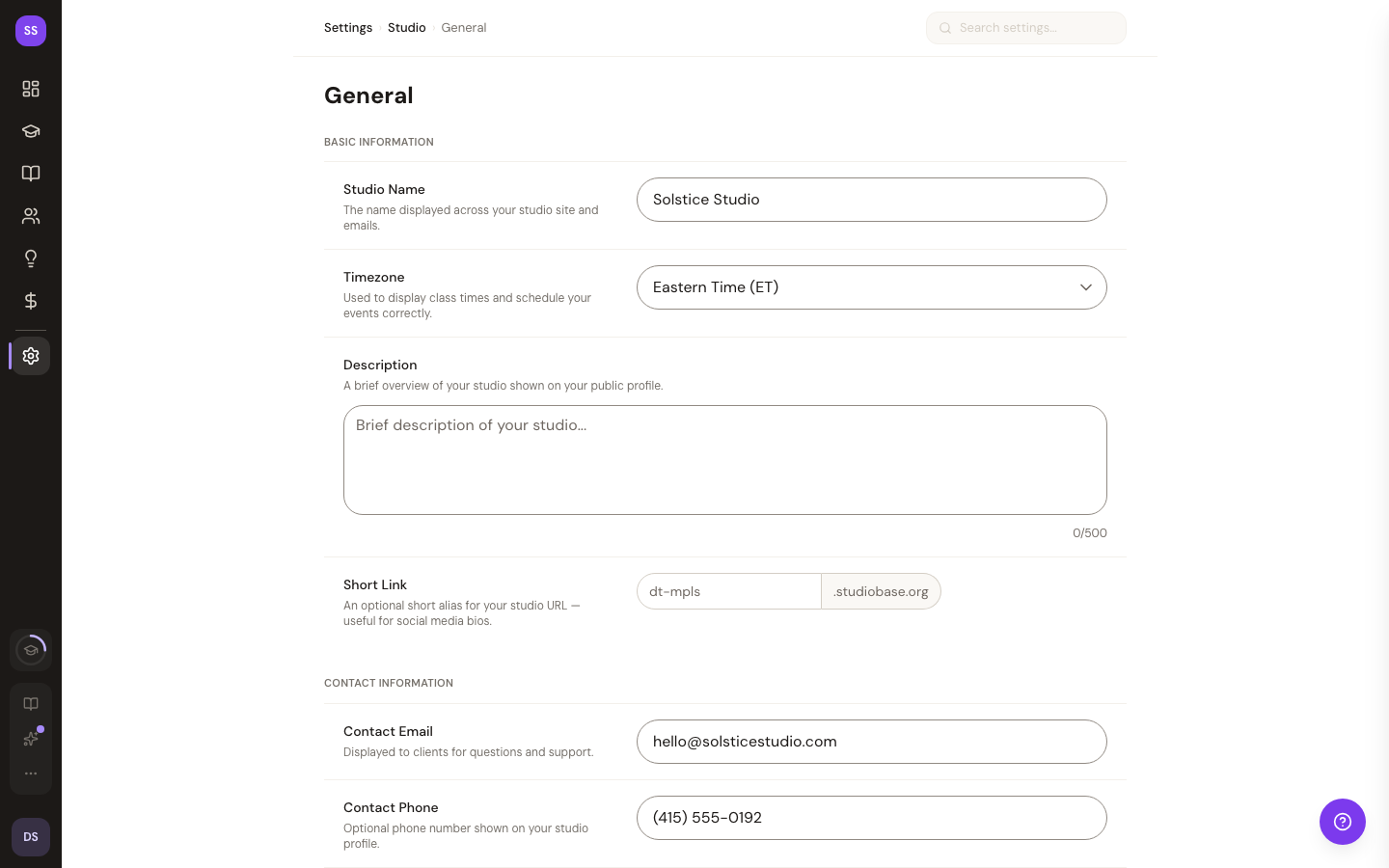
The settings section lets you configure every aspect of your studio. Access it from Dashboard > Settings — you'll land on the General settings page by default.
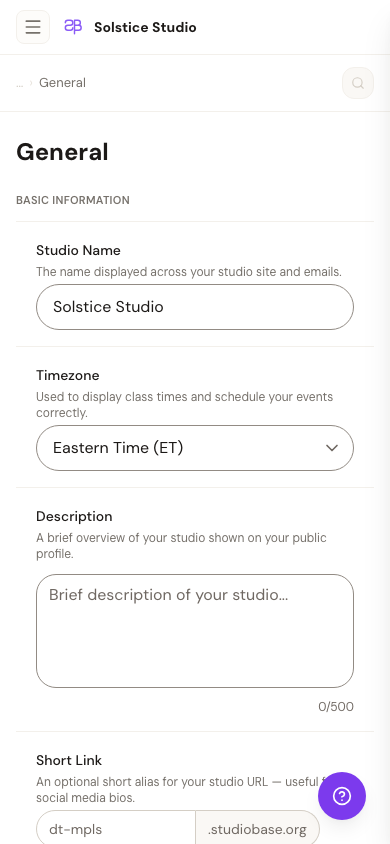
On phones the left rail collapses to a header menu:
Available Settings
| Setting | What You Configure |
|---|---|
| General | Studio name, description, timezone, location |
| Branding | Logo, colors, brand identity |
| Appearance | Theme, dark mode, visual preferences |
| Notifications | Email notification preferences |
| Penalties | No-show and late cancellation penalties |
| Subscription | Plan management and billing |
| Billing | Invoice history and payment methods |
| Sales & Offers | Storewide sales, promo codes, and trackable campaign links — single destination for every active discount |
| Loyalty & Referrals | Attendance-based rewards and student-referral program |
| Customer Emails | Booking confirmations, reminders, and reactivation messages |
| Class Packs | Multi-class credit bundles |
| Custom Fields | Custom data fields for clients |
| Rewards | Attendance-based loyalty program |
| Instructors | Manage instructor profiles |
| Integrations | Google Calendar and other integrations |
| Embed | Booking widget for your website |
| Security | Password and account management |
| Payouts | Stripe payout configuration |
| Waiver | Liability waiver setup |
| FAQ | Help center and frequently asked questions |
Need Help?
Contact support at support@studiobase.org if you have questions about your studio settings.
Last updated March 16, 2026