Security
The security settings page lets you manage your account password and handle account deletion.
Go to Dashboard > Settings > Security to access these settings.
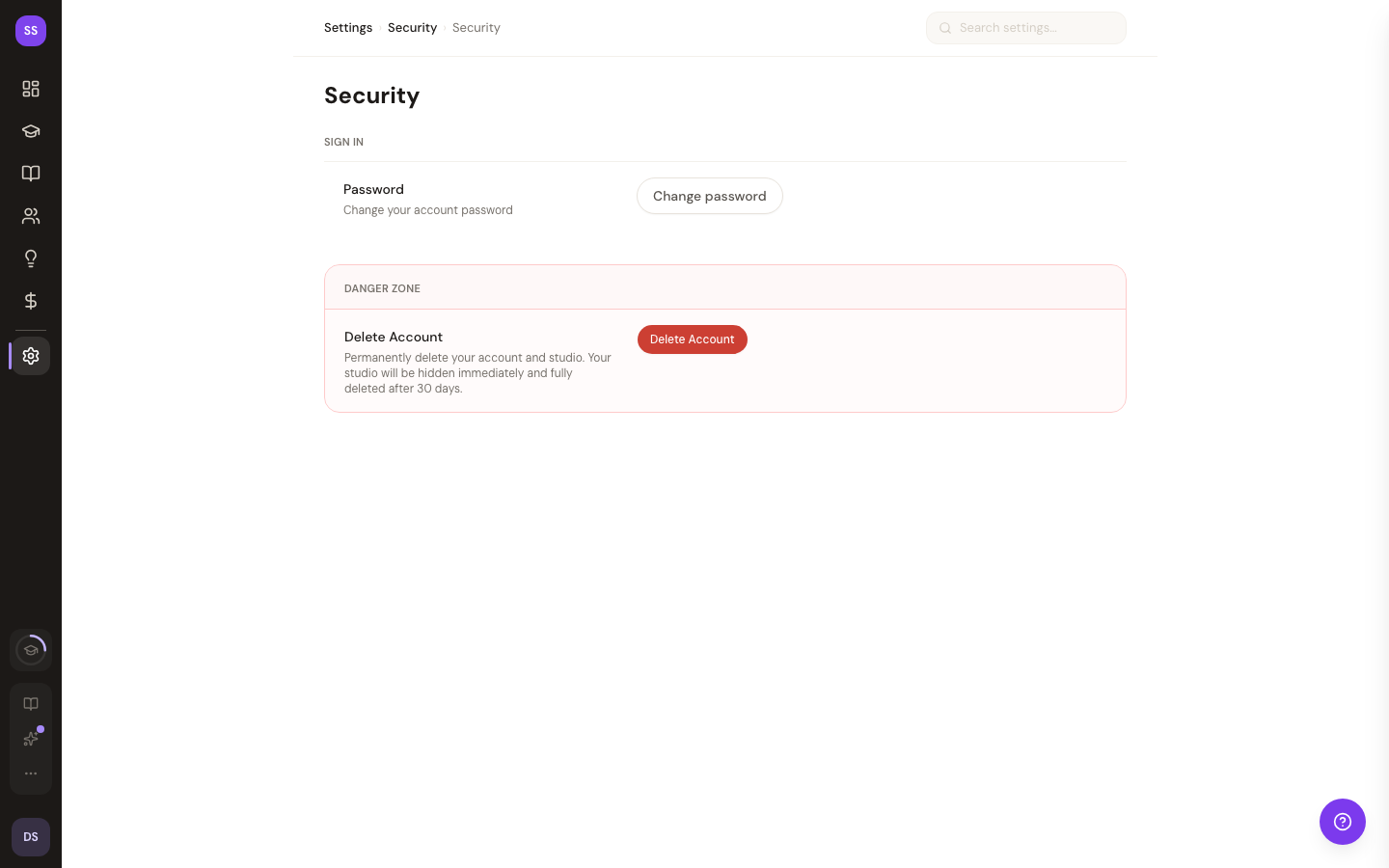
Password Management
Changing Your Password
If you signed up with email, you can change your password here:
- Enter your current password
- Enter your new password
- Confirm the new password
- Click Update Password
Setting a Password
If you signed up using a social login (Google, etc.) and don't have a password set, you can create one here. This lets you sign in with either your social account or email/password.
Forgot Your Password?
Use the Forgot Password link to reset your password via email.
Account Deletion
You can permanently delete your account from this page. Account deletion uses a 30-day grace period:
- Click Delete Account
- Confirm by typing your email address in the dialog
- Your account is scheduled for deletion in 30 days
During the 30-day grace period, your account is in a "pending deletion" state. If you change your mind, contact support to cancel the deletion before the 30-day window closes.
Account deletion is permanent after the 30-day grace period. All your data including studio settings, booking history, and client data will be removed.
Need Help?
Contact support at support@studiobase.org if you have questions about account security.